VS Code
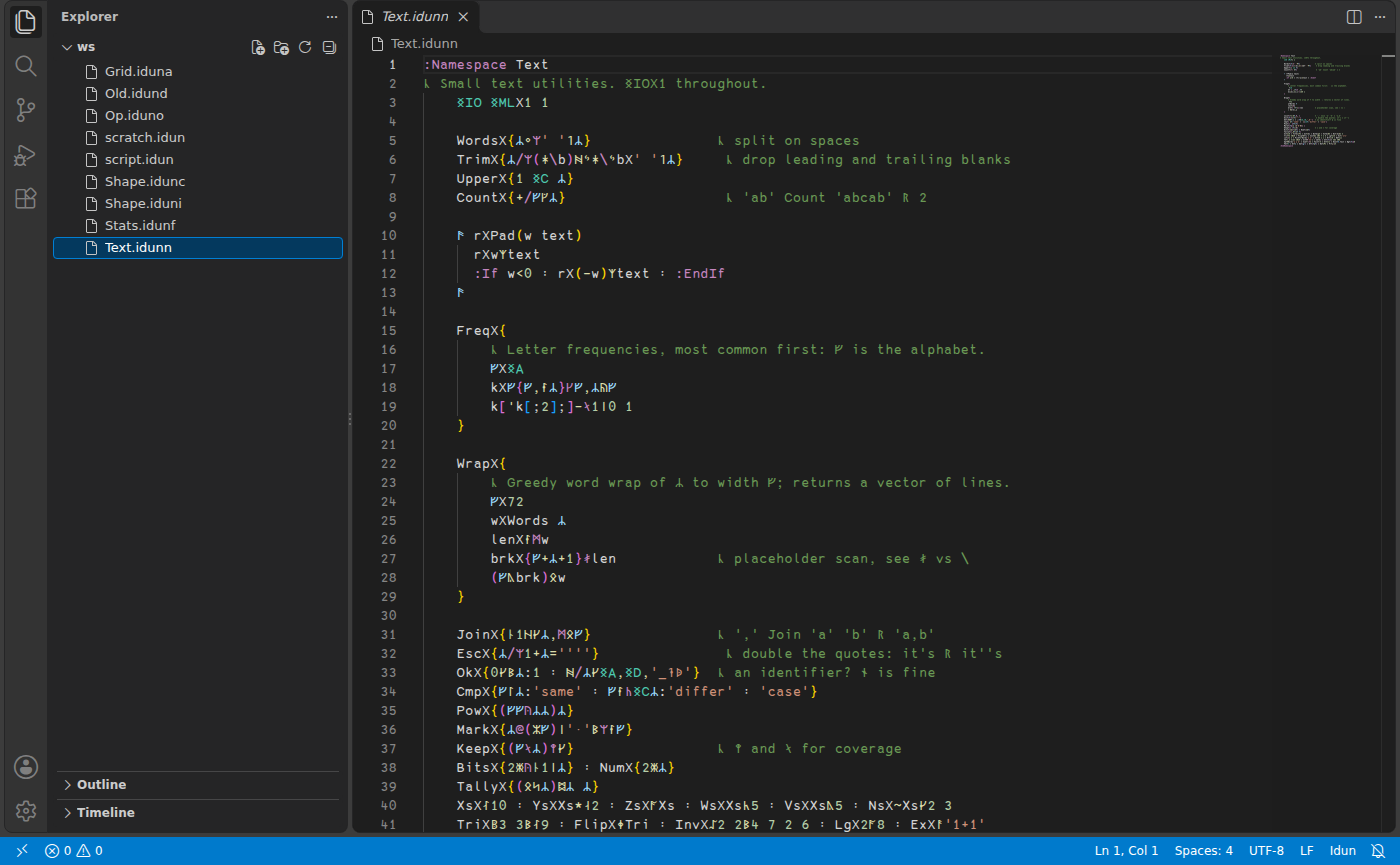
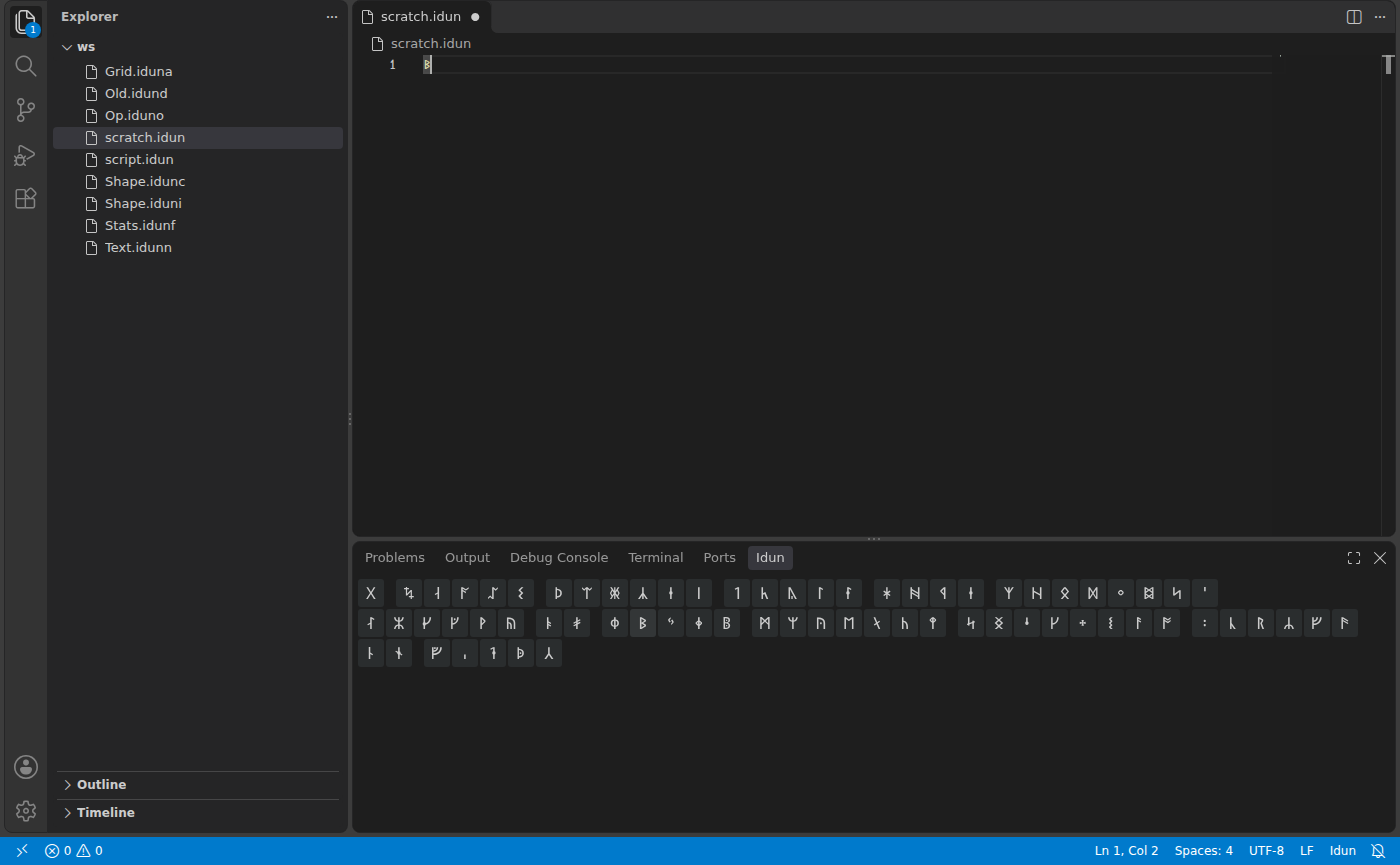
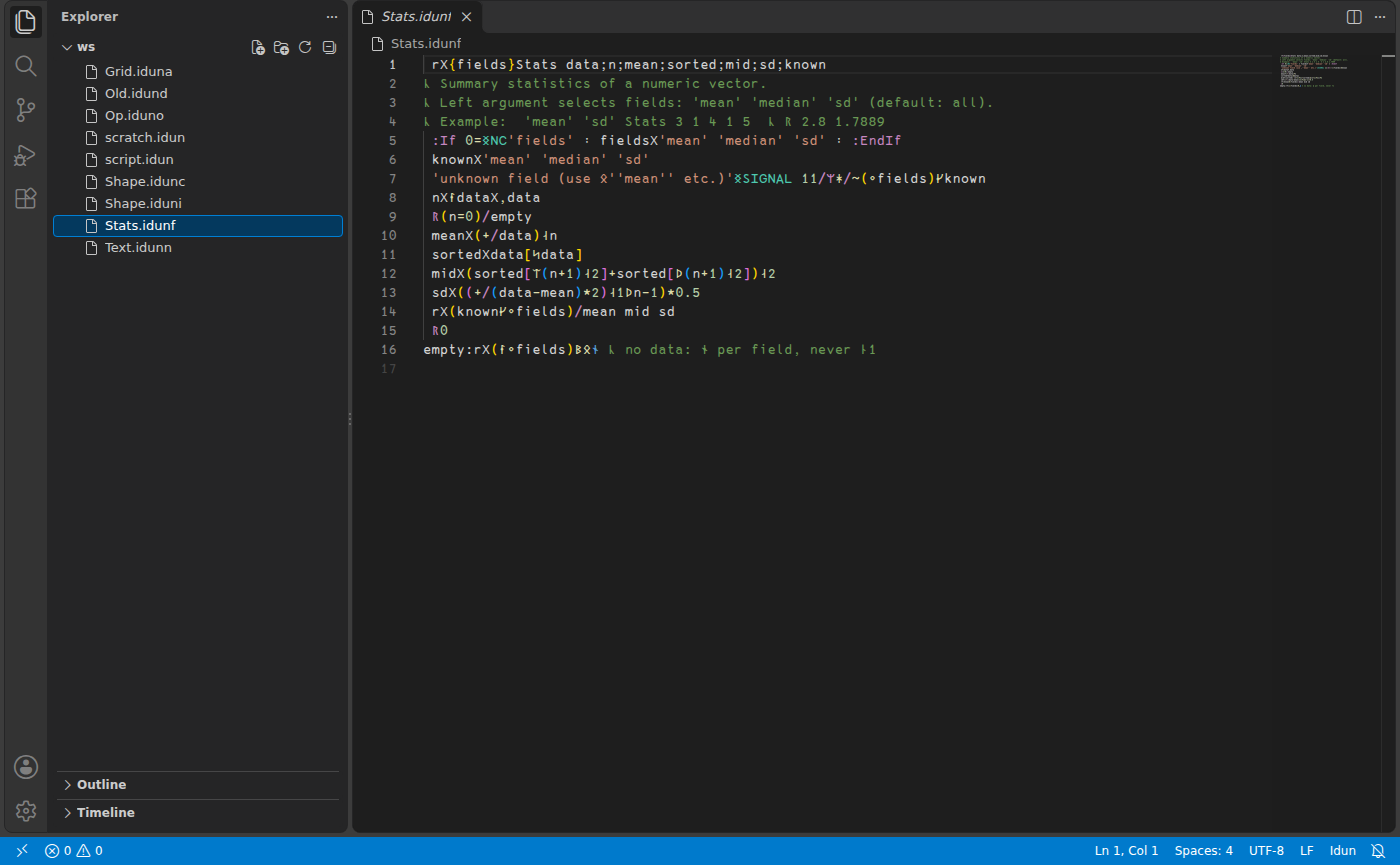
The Idun extension for VS Code opens every Idun file type as Idun, highlights it, and adds a language bar: a row of rune buttons that insert a rune at the cursor. Hovering a button shows its APL glyph and name.
To install, build it from the repository and install the package:
make vscode
code --install-extension vscode/idun-*.vsix
Install the Idun 387 font too, since the extension sets Idun files to use it.